







Colorado State University Athletics
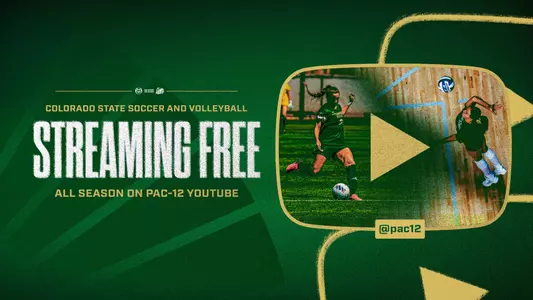
Fall Pac-12 Sports to Stream on YouTube
8/10/2026 11:00:00 AM | Women's Soccer, Volleyball
The fan-first approach keeps all streams free on the world’s largest content distribution platform
FORT COLLINS, Colo. – With the 2026-27 athletic season starting this week, the Pac-12 announced that all fall Olympic sports (men's and women's soccer and volleyball) will stream for free through the conference's YouTube channel.
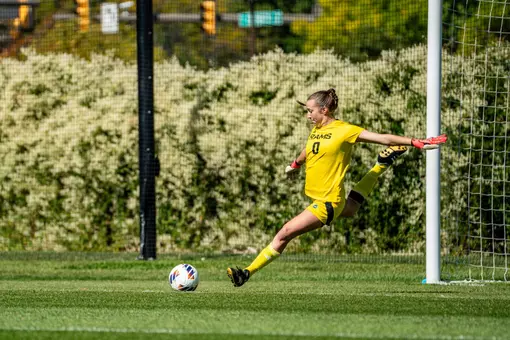
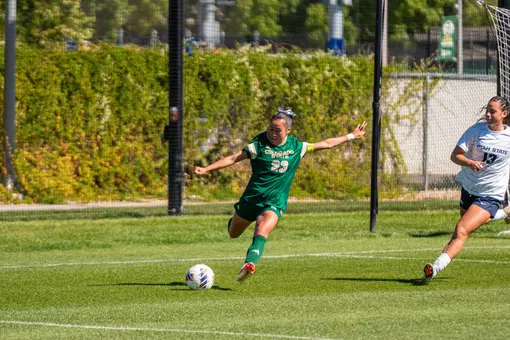
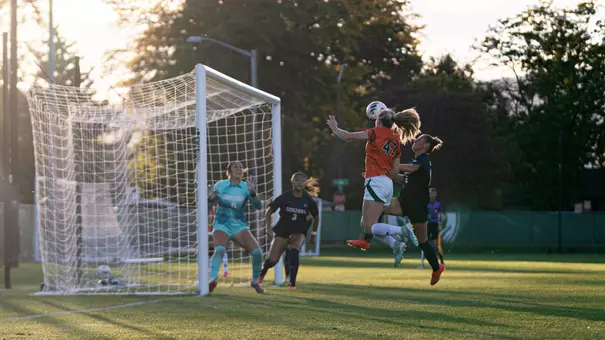
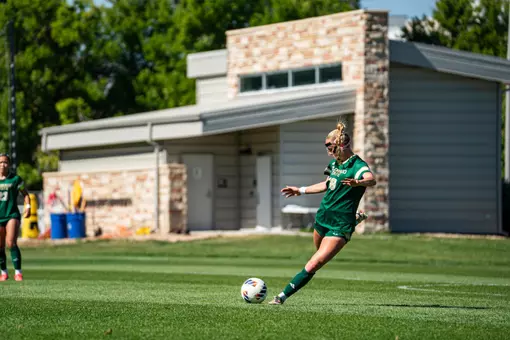
Colorado State's fall season begins on Wednesday, August 12 when the Rams head to Boulder to take on rival Colorado in women's soccer. The first home event of the year comes on Sunday, August 16 at 3 p.m. when CSU hosts Denver on the pitch. Tickets for the home opener are available at CSURams.com/SoccerTickets.
By making all Pac-12 home Olympic sport broadcasts in the fall available free on YouTube, the league aims to celebrate the beginning of competition in a fan-first approach via wide reach on the world's largest video distribution platform.
Thanks to its centralized production capabilities and technology via Pac-12 Enterprises, the league can direct its live streams to any number of locations. Leveraging these capabilities in a fan-first approach throughout the fall season and any other time when beneficial allows for the Pac-12 to quickly turn on wide-reach distribution channels across platforms.
As the Pac-12 completes the development of its own direct-to-consumer platform, which will also present free options for viewing live content for fans, the league will make Pac-12 home Olympic sport broadcasts scheduled during the fall season available on the Pac-12 YouTube channel.
How to Watch
Watching YouTube on Mobile
Colorado State's fall season begins on Wednesday, August 12 when the Rams head to Boulder to take on rival Colorado in women's soccer. The first home event of the year comes on Sunday, August 16 at 3 p.m. when CSU hosts Denver on the pitch. Tickets for the home opener are available at CSURams.com/SoccerTickets.
By making all Pac-12 home Olympic sport broadcasts in the fall available free on YouTube, the league aims to celebrate the beginning of competition in a fan-first approach via wide reach on the world's largest video distribution platform.
Thanks to its centralized production capabilities and technology via Pac-12 Enterprises, the league can direct its live streams to any number of locations. Leveraging these capabilities in a fan-first approach throughout the fall season and any other time when beneficial allows for the Pac-12 to quickly turn on wide-reach distribution channels across platforms.
As the Pac-12 completes the development of its own direct-to-consumer platform, which will also present free options for viewing live content for fans, the league will make Pac-12 home Olympic sport broadcasts scheduled during the fall season available on the Pac-12 YouTube channel.
How to Watch
Watching YouTube on Mobile
- Download the App: Open the App Store (iPhone/iPad) or Google Play Store (Android), search for YouTube, and tap Get / Install.
- Search: Type "Pac-12" in Search bar to find @pac12 (YouTube.com/pac12)
- Find the App: Open your TV's main home screen or app store. Locate the YouTube app (usually comes pre-installed on most Smart TVs and streaming devices).
- Navigate: Use your TV remote's directional pad (up, down, left, right) or voice command to utilize Search bar for the "Pac-12" account (@pac12).
- Open the YouTube app on your phone for the @pac12 account.
- Tap the Cast icon (a rectangle with a Wi-Fi symbol in the corner) at the top of the video player.
- Select your TV from the list. Your phone now acts as the remote control!
- Visit YouTube.com via your internet browser or search for "Pac-12 YouTube"
- Select the relevant event that will be promoted on the Pac-12 page
Thursday, October 09
Monday, September 01
Wednesday, August 06
Wednesday, August 06